
Introducing X-GIS
A language for
cartography
Declare what your map should look like. The compiler emits the WGSL shaders, buffer layouts, and projection math.
source land {
  type: geojson
  url: "data/land.geojson"
}

layer continents {
  source: land
  | fill-zinc-200
}Drag, zoom, explore. See more examples
WebGPU · Seven projections · MIT
02 · What It Is
A language, a compiler, and a globe.
X-GIS is three things in one project: a way to describe a map, the compiler that turns that description into GPU programs, and the engine that draws it — flat or on a globe.
A declarative language.
Write fill-zinc-200, stroke-1, opacity-80 — the source reads like the map you see. No imperative setter chains, no callback graph. A .xgis file is the whole style.
A GPU compiler.
X-GIS compiles that source to WGSL shaders, buffer layouts, projection math, and a render plan — optimized at compile time. You never hand-write a vertex shader.
A real 3D globe.
It renders to a true ellipsoidal globe and seven projections. One source goes from a flat Mercator map to an orthographic globe on a uniform write — no re-tessellation.
03 · Show The Compiler
From source to shader.
The hero globe above is not a video — it is this exact source, compiled in your browser. Here is what the compiler does with it.
source land {
  type: geojson
  url: "data/land.geojson"
}

background { fill: #0a0a0a }

layer continents {
  source: land
  | fill-zinc-200
}- lexer
- parser
- IR
- optimizer
- WGSL + GLSL
The source is tokenized, parsed, and lowered to one typed IR, optimized, then emitted as WGSL (WebGPU) and GLSL ES 3.00 (WebGL2) — all at compile time, before a single frame draws.
Real tokens → AST → IR → plan → WGSL, recompiled as you type.
04 · It Becomes Shaders
One IR. Two GPU targets.
TypeScript becomes JavaScript. X-GIS becomes GPU shaders. A single typed shader IR is optimized once, then emitted to two backends — so the same map runs on WebGPU and falls back to WebGL2 without a rewrite.
One typed IR.
The compiler builds a single intermediate representation of every shader — typed, backend-agnostic, optimized before either target is touched.
WGSL
The primary path — the modern GPU API. Emitted from the IR, byte-stable across builds.
GLSL ES 3.00
The same IR, the same program — re-emitted as #version 300 es so the map still runs where WebGPU is absent.
05 · Mapbox-Compatible
Bring your Mapbox style.
The converter reads a real Mapbox Style Spec document and emits .xgis. It is not a full reimplementation — it is honest about what it covers, and it covers most of it.
- GeoJSON
- PMTiles (MVT)
- Raster XYZ
- Inline data
- fill
- line
- symbol
- circle
- text (SDF)
- heatmap
- fill-extrusion
- Mercator
- Natural Earth
- Orthographic
- Equirectangular
- Stereographic
- Azimuthal eq.
- Oblique Mercator
- interpolate(zoom)
- interpolate(.prop)
- match()
- filter:
- preset / apply
06 · Roadmap
Where it's headed.
Honest direction — what's shipping and what's next, no dated promises.
Google-Earth-class 3D globe
Terrain, 3D tiles, streaming + LOD, and a fly-to camera on top of the ECEF globe that renders today.
In progressCustom layers
Draw your own three.js / Babylon.js / raw-WebGPU content on the map — the engine already exposes the render-pass seam to plug into.
PlannedFull Mapbox parity
Close the gap from 176 supported to all 236 applicable style-spec properties.
In progressEmbeddable engine
The @xgis/engine + @xgis/map packages exist — harden the boundary so the renderer drops into any app.
In progress07 · Made With It
Every example
is a live map.
Each gallery card runs the real engine in your browser — drag it, zoom it, read its source. 58+ of them, from a five-line minimal map to a 119-layer OpenFreeMap style imported straight from Mapbox.
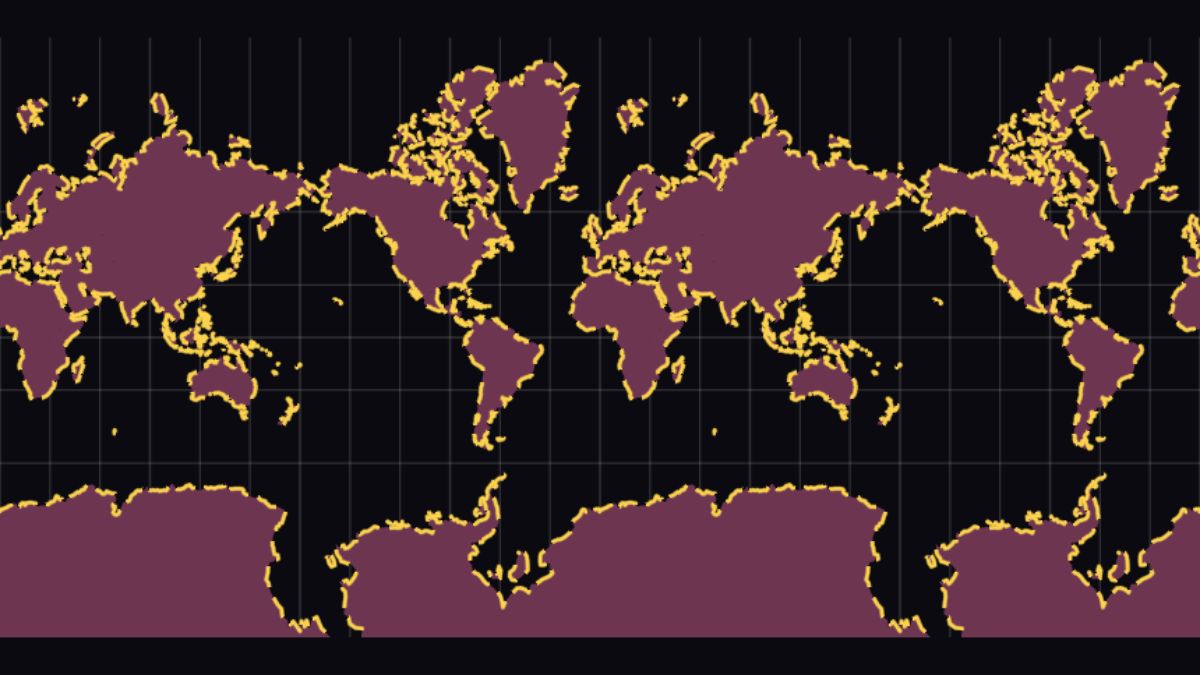
The simplest map
One source, one layer — copy this, change the URL, you have a map.
Streaming PMTiles
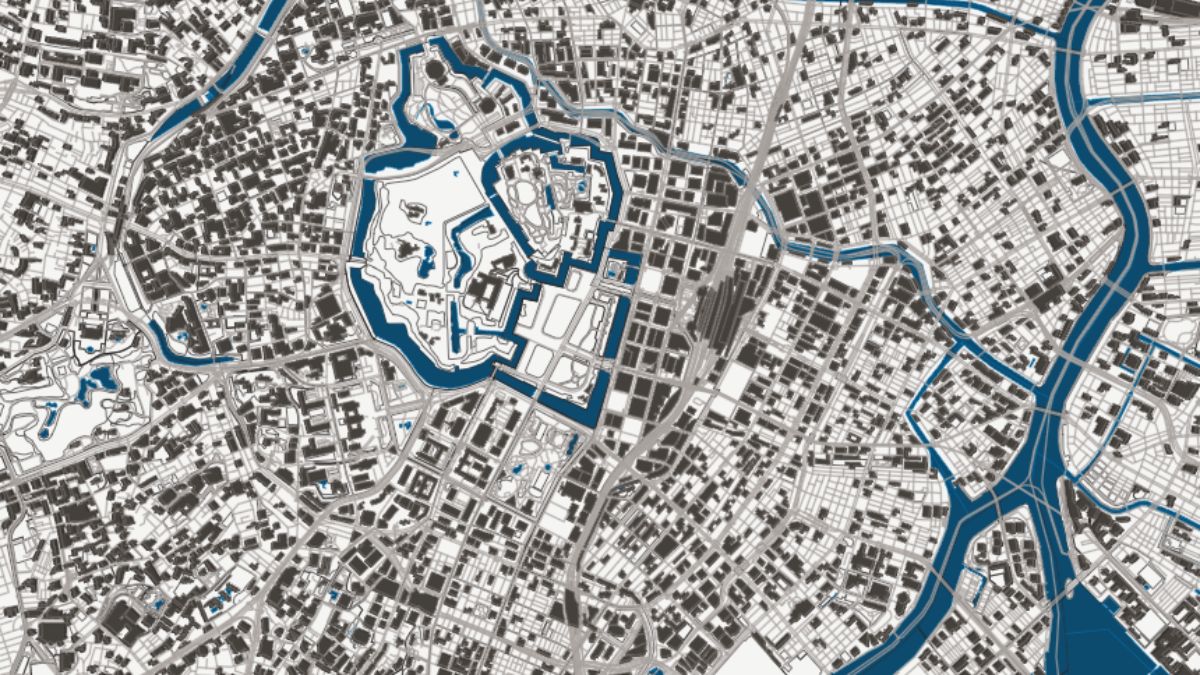
Four MVT layers from one archive — water, landuse, roads, buildings.
Live animation
Three keyframe blocks driving fill, stroke, and dash offset together.
08 · Get Started
Clone, install, run.
npm release is in flight; for now the playground is the way in.
git clone https://github.com/X-GIS/X-GIS
cd X-GIS
bun install
bun run dev Bun workspace · dev server boots the playground at localhost:3000
import { XGISMap } from "@xgis/runtime"

const map = new XGISMap(canvas)
await map.run(source, baseUrl)
Requires a WebGPU-capable browser — Chrome, Edge, or Safari 18+